

Ever feel like you have a story to tell, an idea to share, or a skill to teach, but you’re just not sure how to make it look and sound amazing?
You’re in the right place.
Building a home video studio is your first real step toward creating the kind of pro-level content you see from your favorite YouTubers, podcasters, and online teachers. It’s about more than just equipment; it’s about carving out a space where your creativity can come to life. With a little planning, you can turn a spare corner of your home into a powerhouse for making incredible content.
Let’s be real: in a world swimming in video, a great idea isn’t always enough. Execution is everything. A dedicated studio, even a simple one, instantly elevates your work and tells your audience you mean business.
We’re Studio 321, and we live and breathe this stuff every day in our professional video and Dubai podcast studio. We’ve seen it all, and now we want to pull back the curtain and walk you through building a setup that fits your vision and your wallet.
Before we dive deep, here’s a quick roadmap of your journey. Think of this as your 2025 creator cheat sheet:
Step 1: Plan Your Vision & Studio Budget
Before you even think about clicking “Add to Cart” on that shiny new camera, let’s take a breath and plan. The soul of your studio depends entirely on the kind of content you want to create.
Ask yourself these questions:
- What am I actually making? Am I talking directly to the camera? Interviewing guests? Unboxing products? Teaching people how to knit?
- Who am I talking to? Are they total beginners or seasoned pros? Is my vibe fun and casual or polished and corporate?
- What should it feel like? Am I going for a clean, minimalist look? A cozy, intimate chat? Or something high-tech and modern?
Your answers are the roadmap for everything that follows. For those just exploring video, learning how to start a video podcast can be a great way to structure your content plan.
What’s Your Budget?
Let’s talk money. Your budget will shape your gear choices, but don’t worry—you can get started for less than you think.
The Pro Studio ($2,500+): You’re ready to go all-in for that broadcast-quality look and feel. We’re talking a full-frame camera, professional microphones with an audio interface, and maybe even some acoustic panels to treat your room.
The Starter Studio (Under $500): Perfect for getting your feet wet. You’ll lean on the powerful camera already in your pocket—your smartphone—and pair it with a good entry-level mic, a basic tripod, and a ring light. Simple, effective, and gets the job done.
The Creator Studio ($500 – $2,500): You’re getting serious. This is for the creator who’s ready to level up with a quality mirrorless camera, a fantastic USB or XLR microphone, and a versatile three-point lighting kit.
Step 2: Choose the Right Space for Your Home Studio
The best spot for your studio is any room where you can call the shots. Think of it as your creative sanctuary.
Look for a space that is:
- Quiet. This is huge. Choose a room far away from street noise, the rumbling washing machine, or your chatty roommate. Basements and spare bedrooms are often goldmines of silence.
- Spacious (Enough). You don’t need a giant warehouse. You just need enough space to put about 5-6 feet between you and the camera. This gives the shot a nice sense of depth.
- Light-Controllable. A big window is a blessing and a curse. Natural light is beautiful, but clouds, shadows, and the setting sun can ruin your consistency. Make sure you can block it all out with some good blackout curtains.
Of course, sometimes the content dictates the space. A cooking show needs a kitchen, and a woodworking channel needs a garage. But for most creators, a dedicated room you can control is the dream.
Step 3: Select Your Camera for Professional Video
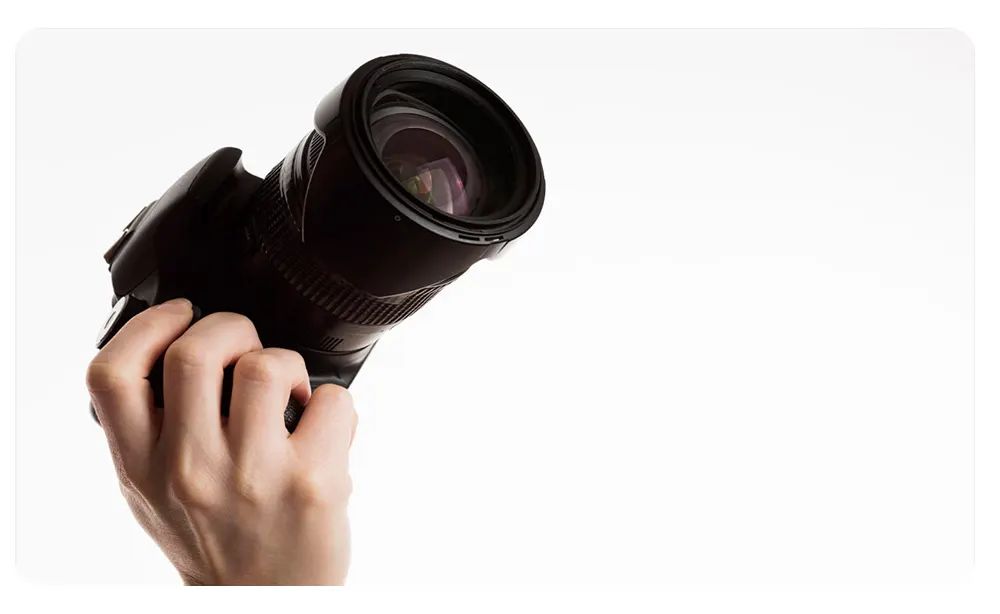
Your camera captures the world you’re creating. The good news? For 2025, the options are more powerful than ever at every price point.
Budget-Friendly Hero: Your Smartphone
Seriously, don’t sleep on the phone in your pocket. Phones released in the last couple of years shoot in stunning 4K and can produce mind-blowing results. To make it shine:
- Always, always, always shoot horizontally. No vertical video, please!
- Use the rear camera—it’s way more powerful than the selfie one.
- Lock your focus and exposure so the camera isn’t constantly readjusting while you’re talking.
- Shoot in 4K! It gives you the flexibility to crop in later without losing quality.
The Next Level: Mirrorless Cameras for 2025
When you’re ready for more creative control and that buttery, cinematic look, a dedicated mirrorless camera is the only way to go. Here are our top picks for 2025:
For the Pros (Cutting-Edge Quality): Topping the charts for 2025, the Sony a7 IV is arguably the best all-around pro camera for most creators. For those heavily focused on video, the Panasonic Lumix S5IIX offers unbelievable video features (like internal ProRes recording) at a competitive price. And if you need ultimate resolution, the Canon EOS R5 is still a powerhouse with its 8K capabilities.
For Beginners (Entry-Level Mirrorless): Forget older DSLRs. The Sony ZV-E10 or the Canon EOS R50 are the new kings for starters. They offer interchangeable lenses (so you can grow), fantastic autofocus that tracks your face, and excellent 4K video quality right out of the box.
For Intermediate Creators (The Workhorses): This is where you get serious power. The Sony A6700 and the Canon EOS R7 remain incredible choices for their pro-level features in a smaller body. We’ll also add the Fujifilm X-S20 to this list, which has become a creator favorite for its beautiful colors and video specs.
Step 4: Master Your Audio for Crystal-Clear Sound
Listen up. This might be the most important part of the entire guide.
Bad audio will make people click away faster than anything else.
People will forgive so-so video, but they’ll run from crackly, echoey, or muffled sound. Your camera’s built-in microphone just won’t cut it. Investing in a good mic is non-negotiable, especially if you’re choosing a video or audio podcast format.
What Kind of Mic Do You Need for 2025?
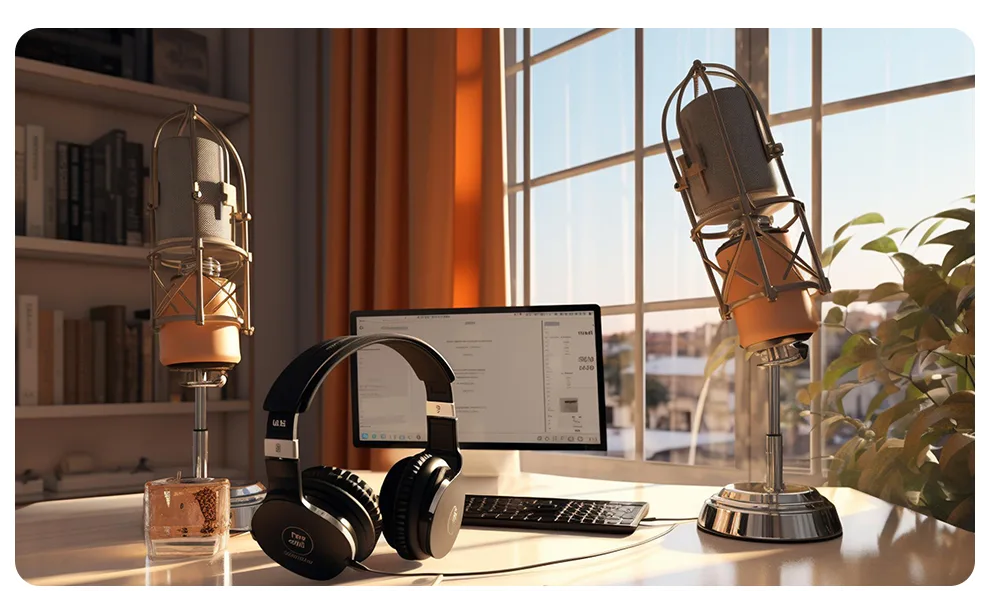
- USB & Hybrid Mics: The Blue Yeti and Rode NT-USB+ are still great plug-and-play options. However, for more flexibility, consider the Shure MV7. It’s a fantastic hybrid mic that has both USB and XLR connections, so it can grow with you when you decide to buy an audio interface.
- XLR Mics: The Shure SM7B remains the undisputed king of podcasting, but the Rode Procaster is a phenomenal, more affordable alternative. They require an audio interface, but the quality is top-tier.
- Wireless Lavalier Mics: The Rode Wireless GO II is excellent, but its successor, the Rode Wireless PRO, is the new standard for 2025. It offers higher quality recording and advanced features that make it perfect for interviews or any video where you need freedom to move.
- Shotgun Mics: The Rode VideoMic NTG is still the best all-in-one shotgun mic that can mount on your camera or be used on a boom pole. Its versatility is unmatched.
A comprehensive list of Video Podcast Equipment will always prioritize a high-quality microphone.
Step 5: Perfect Your Lighting for a Pro Look
Good lighting is the magic wand that transforms a homemade video into a professional production. The best place to start is with a classic technique called three-point lighting. It sounds fancy, but it’s easy to learn.
- Key Light: This is your star player—the main, brightest light. Place it at a 45-degree angle to one side of you. See how it creates a little shape and dimension on your face?
- Fill Light: This is your supporting actor. Place it on the opposite side. It’s a softer, less intense light designed to “fill in” some of the shadows from the key light so they aren’t too dark and dramatic.
- Back Light: This is the secret weapon. Placed behind you and a little above, it creates a subtle, beautiful rim of light around your head and shoulders, separating you from the background and making the whole shot pop.
Lighting Gear to Get You Started
- Softboxes: The workhorse for flattering light. They create a soft, diffused glow that makes everyone look good.
- LED Panels: Super versatile, dimmable, and you can often change the color from warm to cool. A modern studio essential.
- Ring Lights: A fantastic all-in-one solution for solo creators. It gives you a flat, even light from the front that minimizes shadows, which is why it’s so popular.
Step 6: Set the Scene with Your Background & Acoustics
Your environment is a character in your video. You need to control what your audience sees and what they hear.
Designing Your Background
Your background isn’t just a wall; it’s an extension of your brand. Keep it clean and intentional.
- A simple, solid-colored wall or a paper backdrop.
- A tastefully arranged bookshelf or a corner of your room that says something about you.
- A green screen, if you want to digitally add any background you can imagine.
Pro Tip: Make sure there’s some distance between you and your background. This creates depth and makes your shot look way more professional.
Taming the Echo
Hard, flat surfaces are the enemy of good audio. They bounce sound all over the place, creating a hollow, unprofessional echo. Here’s how to fight back:
- Add soft things! Lay down a rug. Hang curtains. A couch, pillows, or a loaded bookshelf all work wonders to absorb sound.
- Get serious with acoustic panels. For even better results, mounting some simple foam or fabric-wrapped panels on your walls will soak up that reverb.
- Plug the leaks. Use weatherstripping on doors and windows to block out sneaky noises from the outside world.
Step 7: Gather Your Essential Studio Accessories
These are the essential accessories that tie everything together and make your workflow smooth.
- A Sturdy Tripod: Please, don’t prop your camera on a stack of books. A solid tripod is your ticket to stable, professional-looking shots.
- An External Monitor: A small screen that plugs into your camera lets you see a big, clear picture of yourself, so you can be sure you’re in focus and framed perfectly.
- A Camera Remote: If you’re filming solo, a remote is a lifesaver. Start and stop recording without having to get up and dash back and forth.
- A Teleprompter: If you’re working with a script, a teleprompter app on a tablet can help you deliver your lines flawlessly while looking right into the lens.
- Cables & Power: Nothing’s worse than running out of juice mid-take. Always have extra batteries, power adapters, and all the cables you need within reach.
Step 8: Master Your Post-Production Workflow
Shooting your video is only half the journey. The edit is where the story truly takes shape.
Choosing Your Editing Software
- For Beginners: iMovie (Mac), Adobe Premiere Rush, or the free version of DaVinci Resolve are all fantastic and intuitive places to start.
- For Professionals: The industry heavyweights are Adobe Premiere Pro, Final Cut Pro (Mac), and the full studio version of DaVinci Resolve.
Your Editing Workflow in a Nutshell
- Organize: Dump all your video and audio files into your project and sync them up.
- Assemble: Lay out your best takes on the timeline to build the main story.
- Add Flavor: Weave in other footage (B-roll), titles, and graphics to add context and visual interest.
- Color: Correct any lighting issues and then apply a “color grade” to give your video a specific mood or style.
- Mix the Sound: Level your audio, clean up any background noise, and add music.
- Export! Export your final video in the correct format for your chosen platform, like one of the Top Video Podcast Platforms.
DIY Studio vs. Renting a Pro Studio: Which is Right for You?
Building your own space is incredibly empowering, but it’s smart to know when to call in the pros.
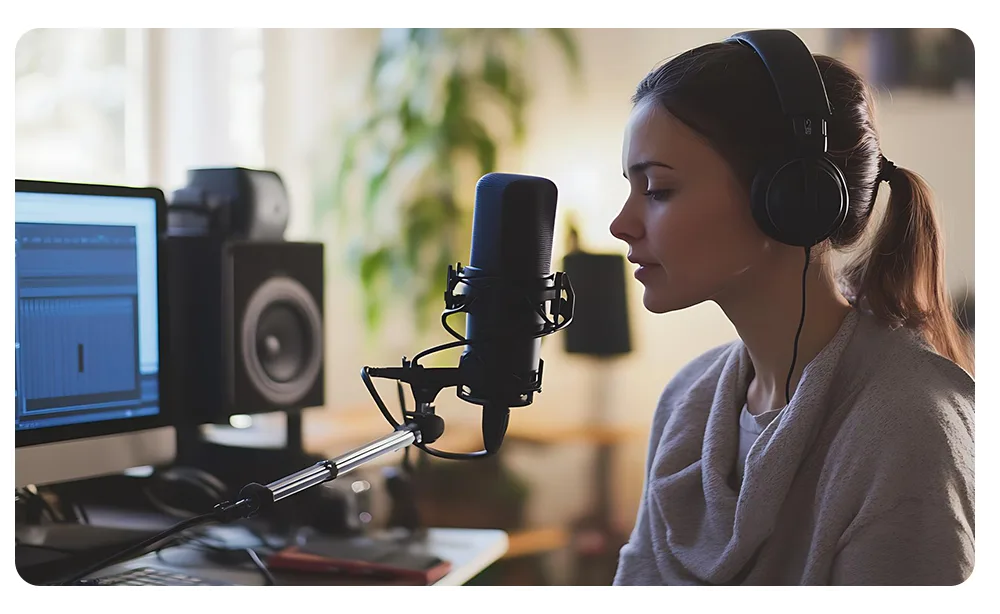
Why You’ll Love Your Home Studio:
- Total Freedom: Record at 3 a.m. if inspiration strikes! No booking, no hourly rates.
- Saves Money (in the long run): For frequent creators, the one-time investment pays for itself compared to renting over and over.
- It’s Always Ready: Your creative space is just a few steps away.
When to Rent a Pro Studio Instead:
- When Sound is Everything: A professional studio is acoustically perfect in a way that’s almost impossible (and very expensive) to replicate at home. No reverb, no neighbor’s dog barking—just pristine audio.
- When You Need the Best Gear: Places like our own Studio 321 give you access to tens of thousands of dollars worth of high-end cameras, lenses, and mics that you might not be able to afford yourself.
- When You Can’t Be Distracted: Home is full of interruptions. A studio is a focused space built for one thing: creating.
- When You Need an Expert Hand: At home, you’re the director, camera person, and sound tech. In a professional studio, an experienced team can handle the technical stuff so you can focus 100% on your performance.
The Bottom Line: Build a home studio for your consistent, day-to-day content. But for that flagship project, a high-stakes client video, or when you just need guaranteed, flawless quality, renting a professional video studio is the smartest move you can make.
Your Journey to a Professional Home Studio Begins Now
Building your first home video studio is an adventure. It’s a space that will grow and change right along with you. Start small, be smart with your choices, and focus on getting your lighting and sound right. You’ve got this.
Remember, the goal isn’t perfection on day one; it’s progress. Every video you make is a new chance to learn and get a little bit better.
And when your vision calls for that next level of polish, we’re here to help. At Studio 321, we don’t just offer world-class gear and perfect rooms; we offer a team of experts passionate about bringing your ideas to life. Whether in our Dubai studio or with our mobile recording services across the UAE, we’re here to bring your vision to life.
We’d love to hear about your studio-building journey in the comments below!
FAQ: how to set up a video recording studio at home?
1. So, what’s this really going to cost me?
It can be anything from under $500 for a great starter setup with your phone, to over $5,000 for a truly professional home studio. It all comes down to your goals and the quality you’re aiming for.
2. What’s the single most important piece of gear?
Honestly? A good microphone. While we all love a pretty picture, your audience will be much more forgiving of so-so video with great audio than they will of stunning video with terrible, distracting sound.
3. Can I really just start with my smartphone?
Absolutely, 100%. Modern phones shoot incredible 4K video. Pair it with a good mic and some thoughtful lighting, and you’ll have a powerful and professional-looking setup right out of the gate.
4. How can I get good lighting without breaking the bank?
Use what you’ve got! A large window can be your main “key” light. Then, you can fill in shadows with an affordable ring light, a small LED panel, or even a household lamp with a thin sheet or parchment paper clipped over it to soften the light.
5. Should I build my own studio or just rent one?
Build a home studio if you plan on creating content regularly and want that convenience and creative freedom. Rent a professional video studio like Studio 321 for your most important projects, when you need access to top-tier equipment, a perfectly soundproofed room, and an expert team to back you up.